Bitelink for NDA, client name withheld
Someone creating a link does not always know at the outset whether they will need a QR code or campaign parameters. My first concept required those decisions up front. Walking through the scenario with the client showed that the form should allow the configuration to change as the work progresses.
- My role
- Product Designer at bluesBrackets. I led discovery, prepared user stories, and designed user flows and UI. I agreed on the implementation approach with the client and developers.
- Outcome
- Bitelink was implemented and is used to support campaigns.
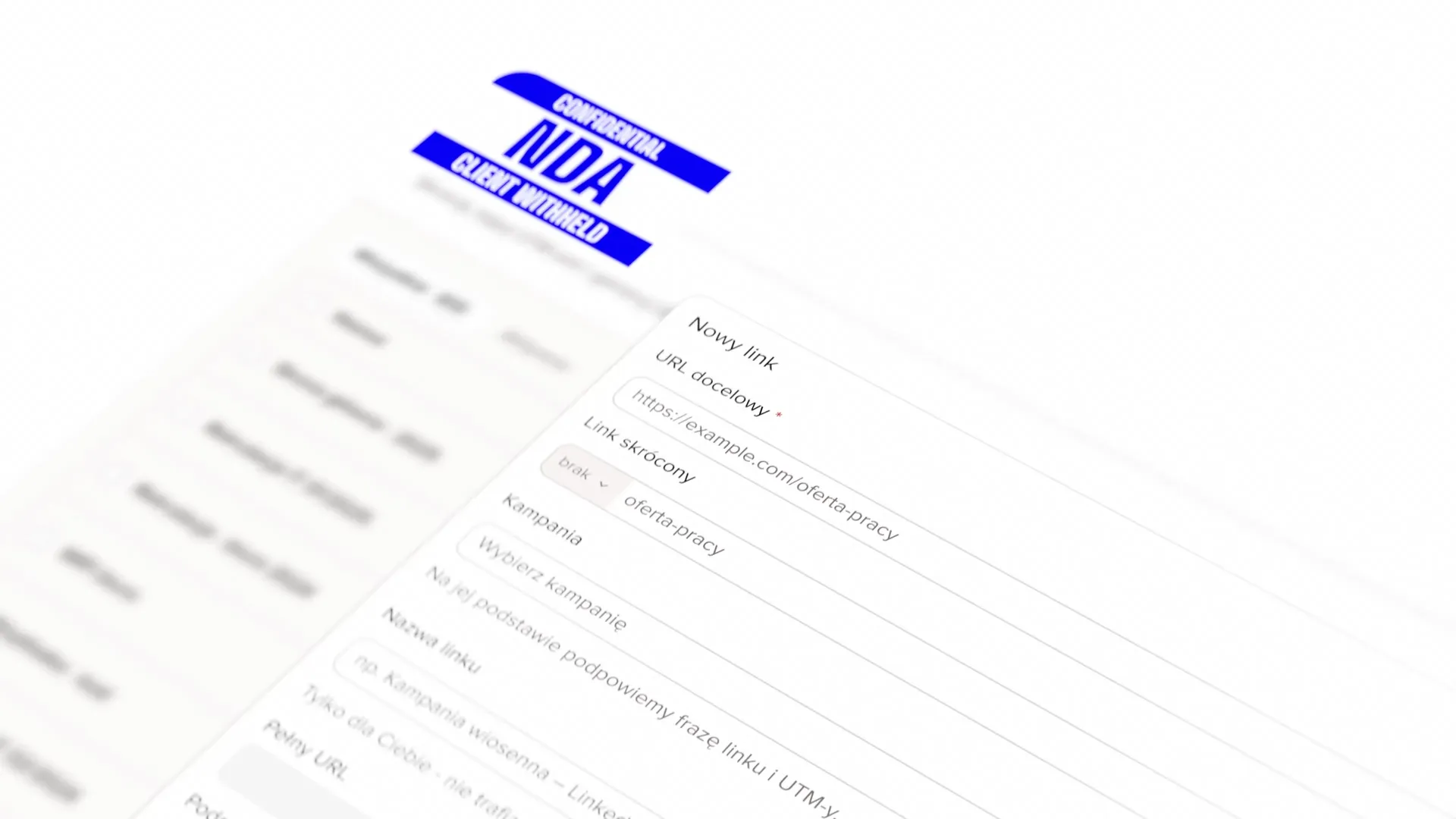
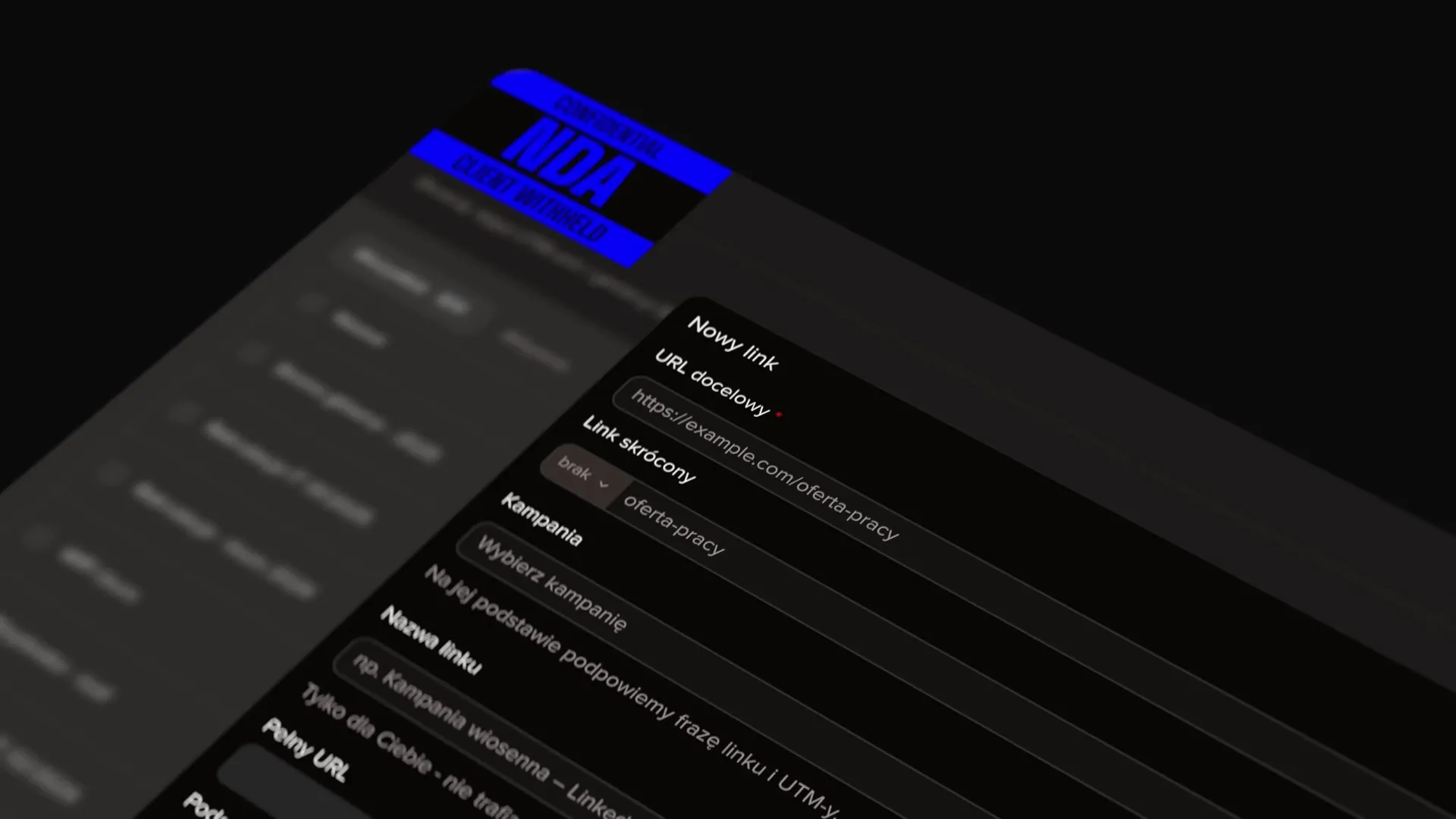
The first concept required decisions too early
I proposed that the user should first choose the type of link: a short link, a QR code, campaign parameters, or a combination of these options. I assumed this would make it easier to focus on the relevant settings afterwards.
While discussing the scenario with a person on the client side, a specific need emerged. After choosing the link alone, she wanted to add a QR code without going back. Further requests led to more options being added to a view whose structure was becoming less suited to the task. I therefore revisited the assumption behind the form.
The link is the starting point, with options added as needed
I redesigned the form. QR codes, campaign parameters, and active periods can be added from the bottom bar while creating the link. The user can expand the configuration without returning to an earlier choice of link type.
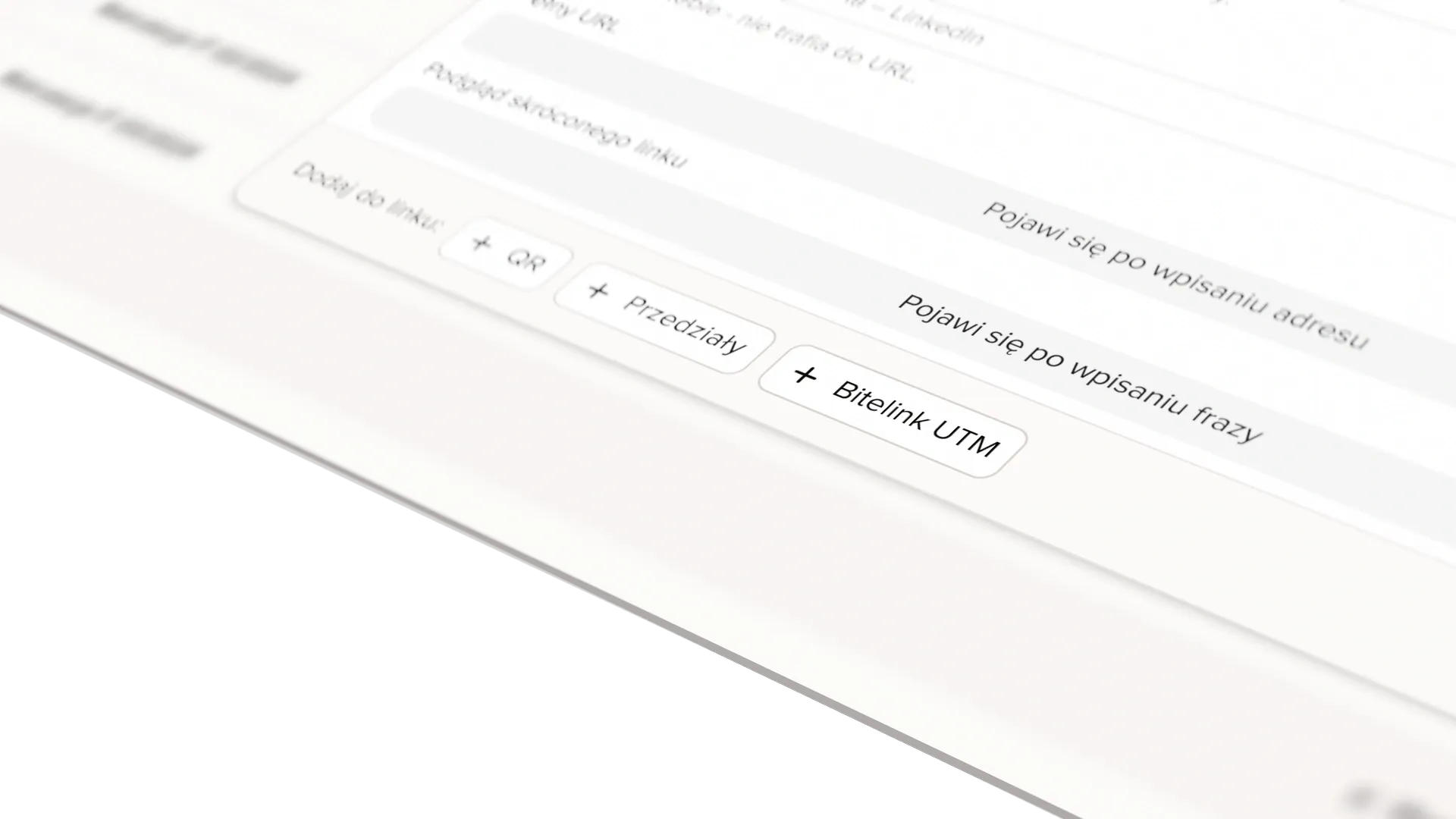
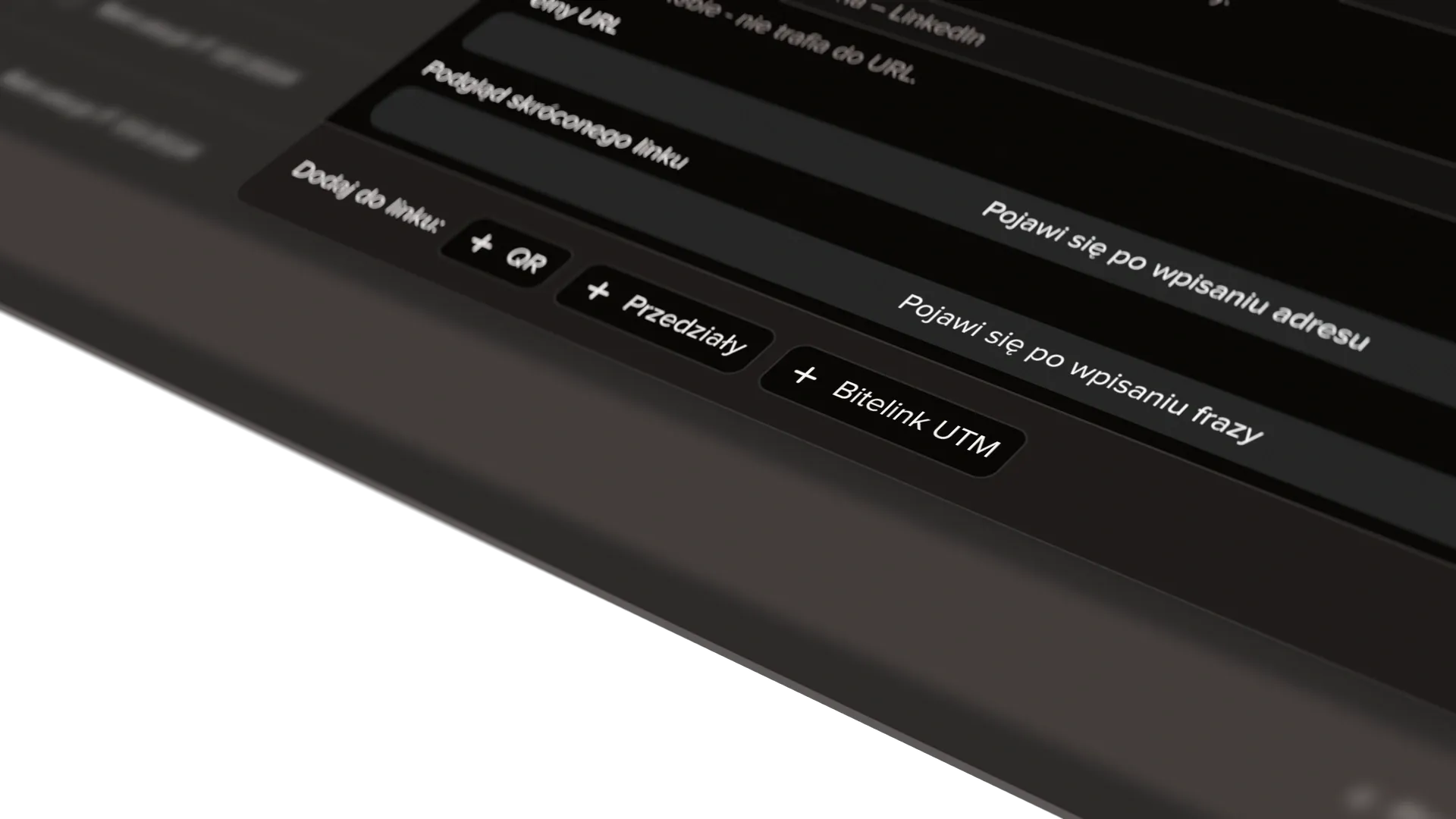
Active options show settings in the right context
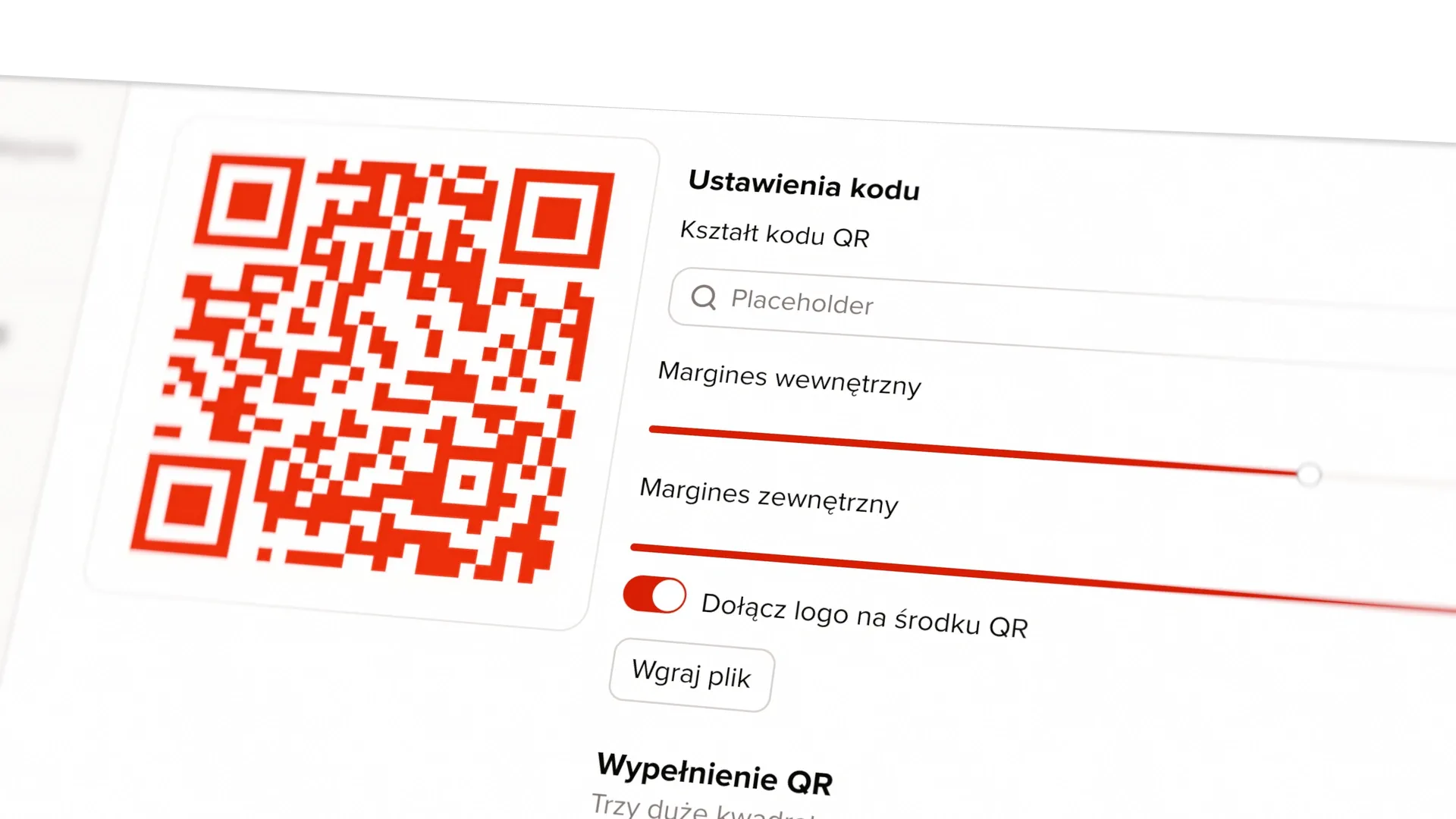
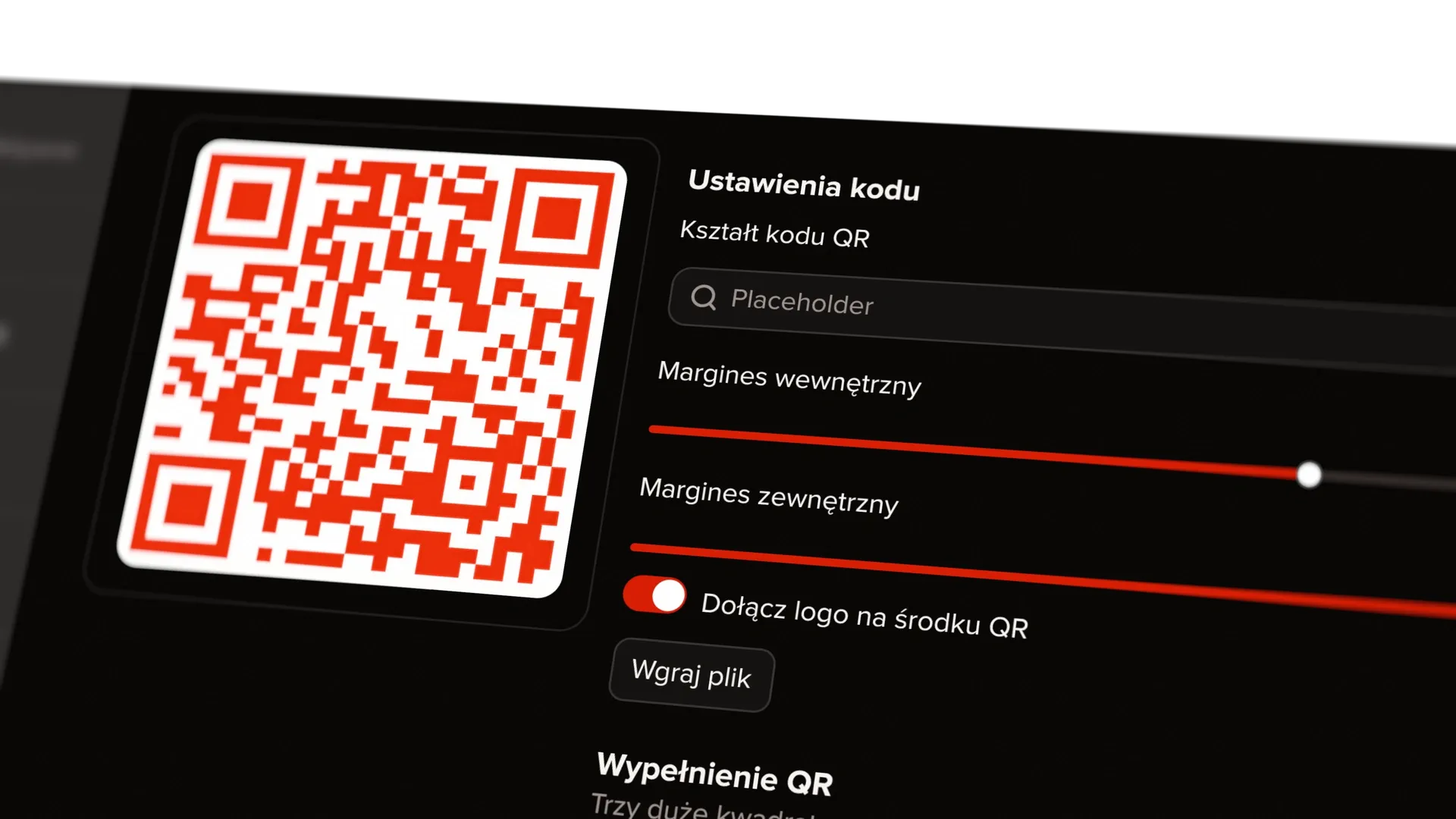
Enabling the QR code displays its preview and settings next to the form. Active options are highlighted. Clicking the close icon removes that option and resets its settings. The same model allows more elements to be added without creating a separate flow for every combination.
Campaign parameters share the B-UTM name
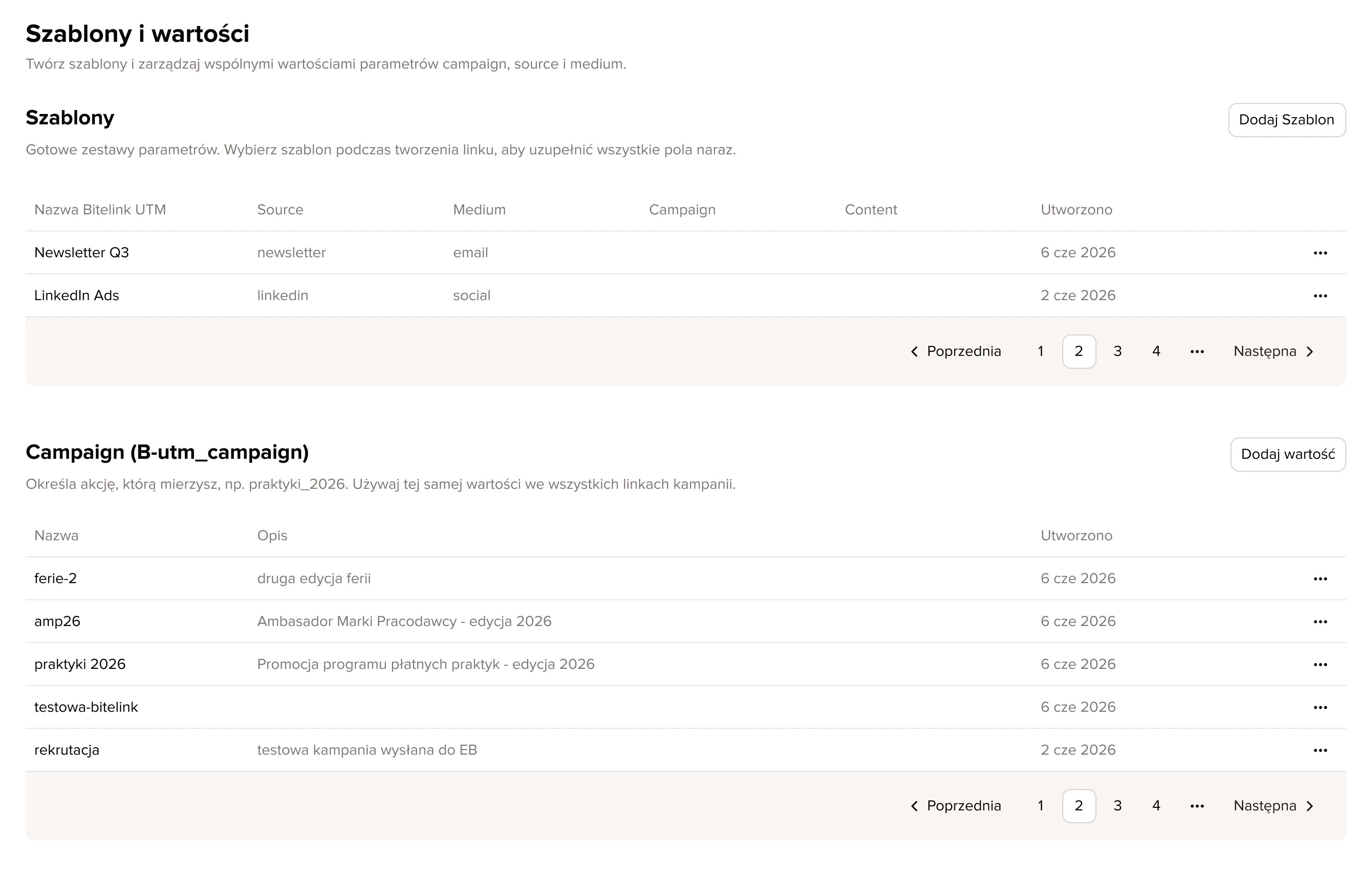
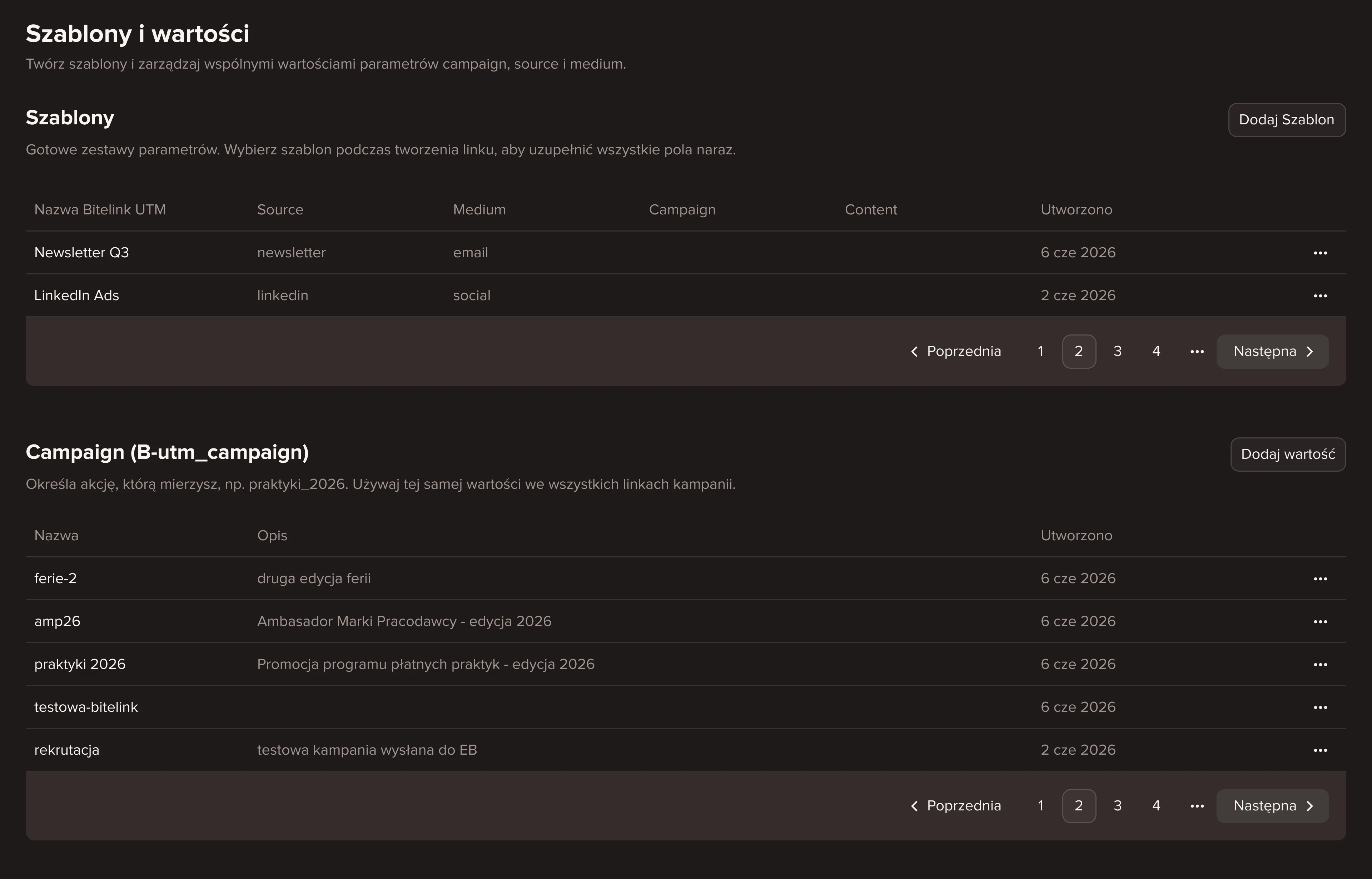
The product previously treated UTM and tracking configurations separately. I brought them together in the interface under the name B-UTM, short for Bitelink UTM. This gives campaign parameters one consistent name when creating links and working with reports.
I also proposed templates for recurring settings. A graphic designer can prepare QR code styles for the team to reuse, while a B-UTM template provides a ready set of parameters to adapt for a specific link.
Reports compare campaigns without overcrowding the chart
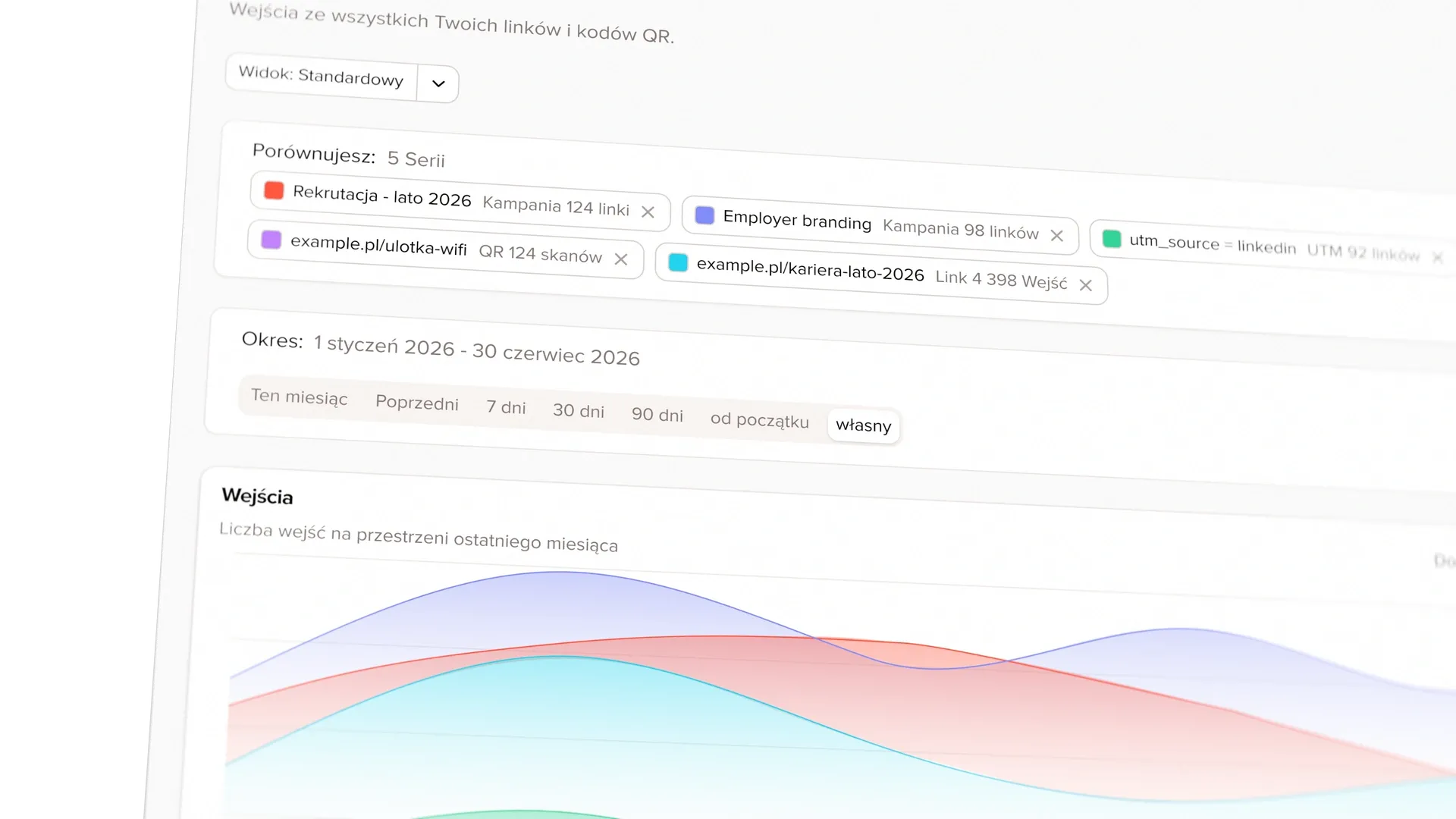
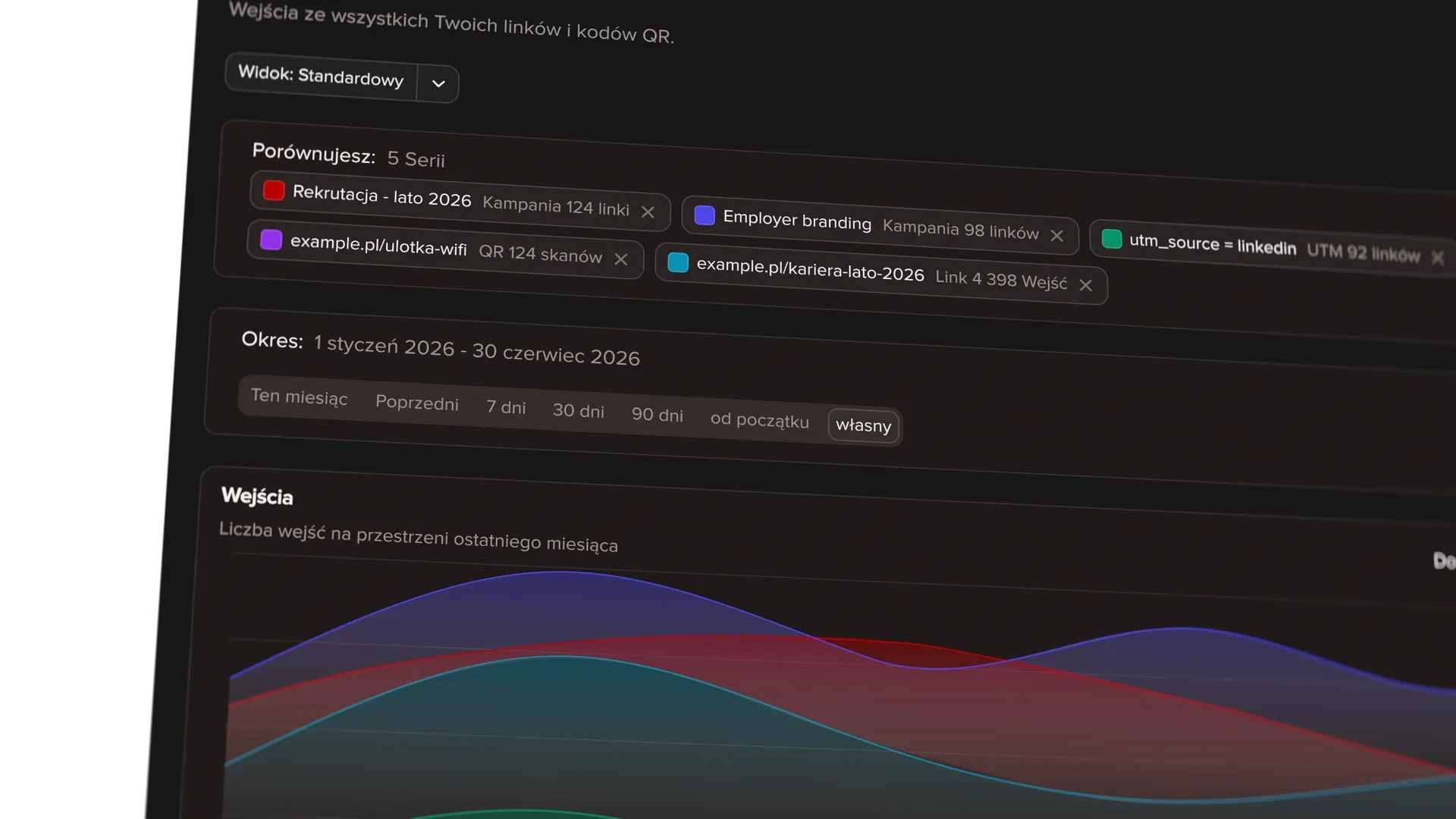
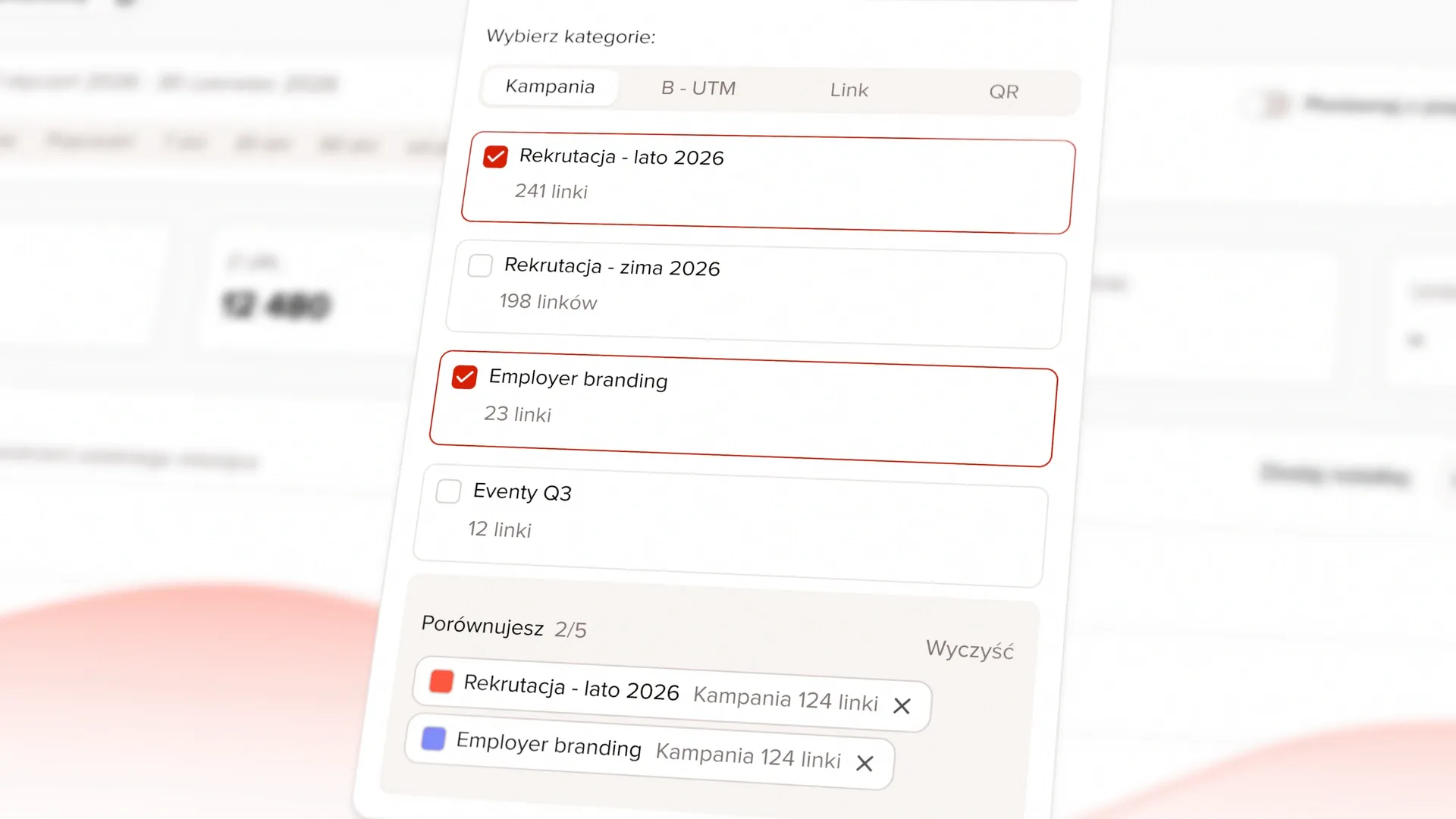
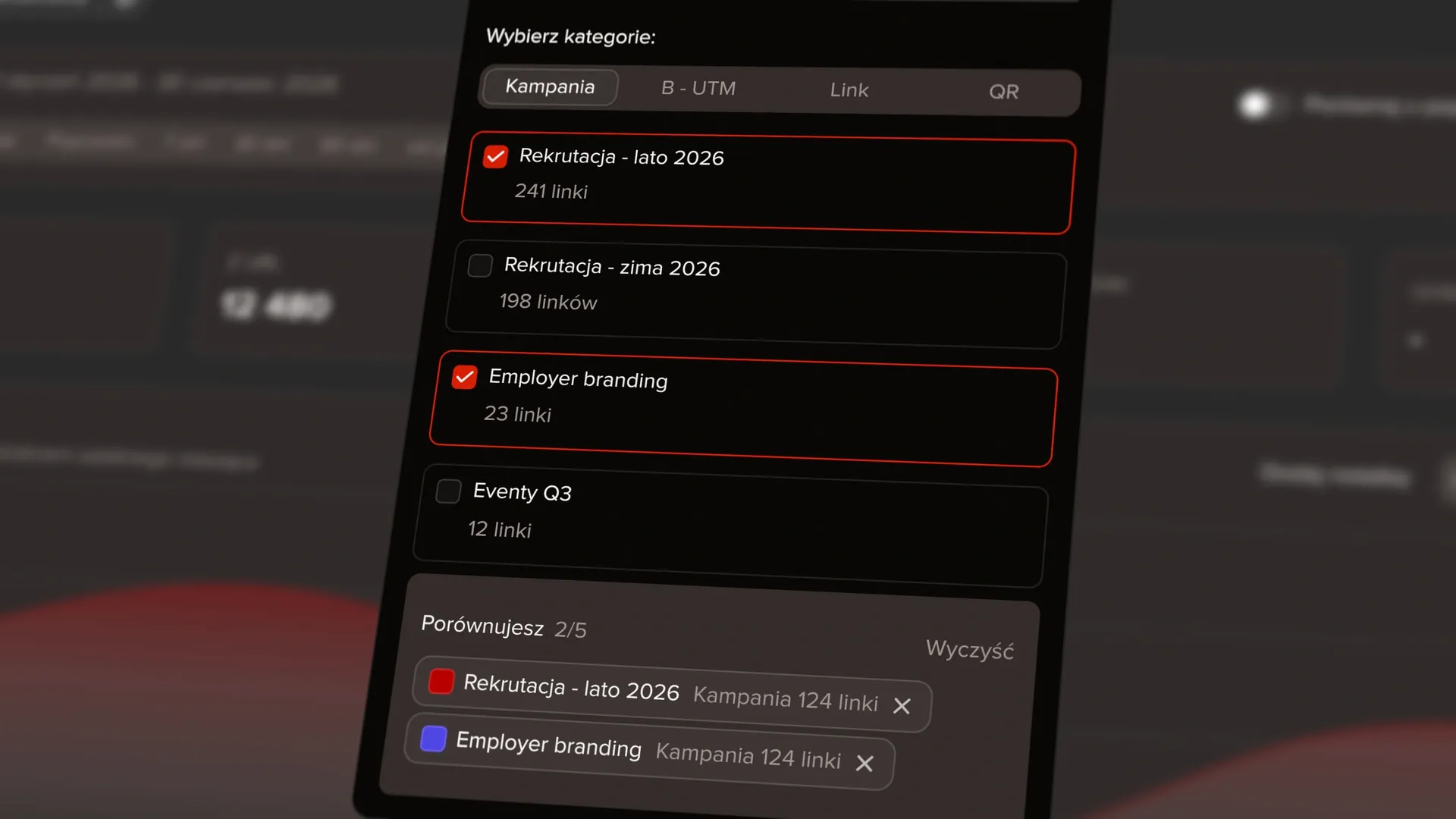
I worked on a view that combines a table with charts, date range selection, and comparisons with an earlier period or other campaigns. We limited simultaneous comparisons to five data series to keep the chart legible. Once the limit is reached, a message explains that one current series must be removed before another can be added.
We deferred additional filtering for upcoming link status changes until there was a clear need.
Bitelink was implemented
The redesigned form was implemented. Bitelink is used to support campaigns, and the product was also presented to other teams in the organisation.